GDB Permission Elevation with Catalina
Create a self-signed certificate, attach the debugger entitlement, and the Homebrew binary finally signs its way past taskgated
Overview
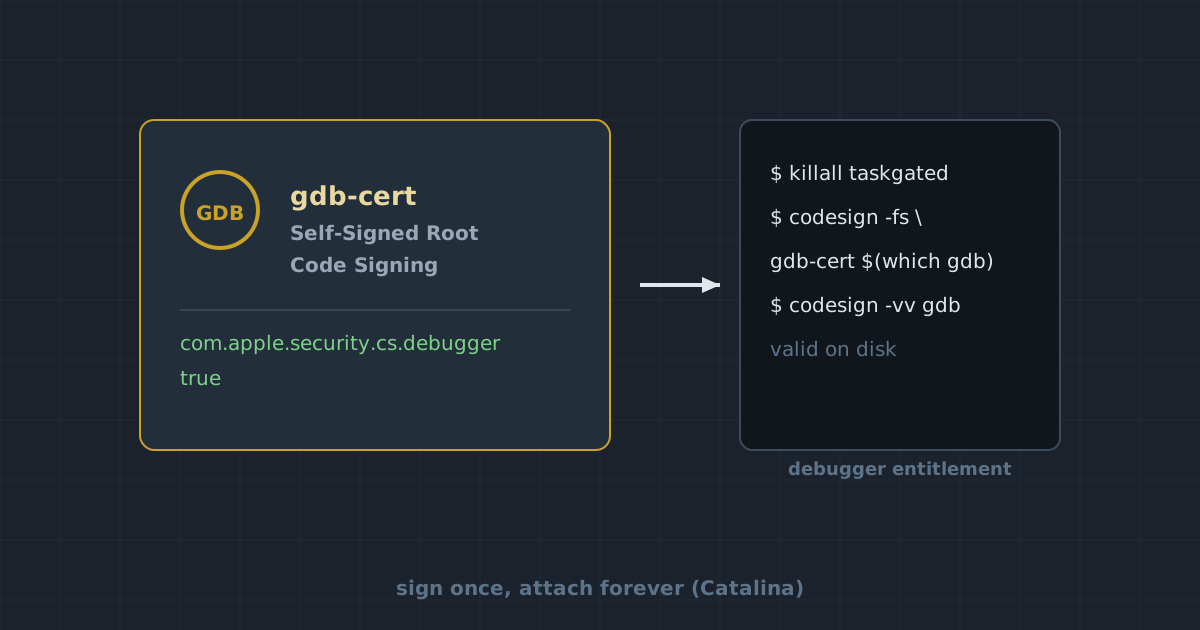
Out of the box, gdb on macOS refuses to control another process: since El Capitan’s hardened runtime, attaching a debugger is a privileged operation guarded by taskgated, and an unsigned gdb (the default Homebrew install) fails with errors like not allowed to attach to process. The fix is to give the binary a code signature that carries the com.apple.security.cs.debugger entitlement, backed by a self-signed certificate created in Keychain Access.
Steps follow the official sourceware instruction ↗ and were verified on Catalina (10.15) with a Homebrew gdb.
Create the signing certificate
In Keychain Access, open the menu bar: Certificate Assistant → Create a Certificate…
- Name:
gdb-cert - Identity Type: Self-Signed Root
- Certificate Type: Code Signing
If possible, tick Let me override defaults and walk through the wizard:
- Certificate Information: keep the defaults (Serial Number
1, Validity Period365) - Continue through Personal Information, Key Pair Information, Key Usage Extension, Extended Key Usage Extension, Basic Constraints Extension and Subject Alternate Name Extension
- Specify Location for Certificate: select keychain System
Then trust the certificate for code signing: double-click gdb-cert in Keychain Access, expand Trust, and set Code Signing to Always Trust (security dump-trust-settings -d confirms it).
On error creating it with the overrides enabled, repeat the wizard and unselect Let me override defaults. If gdb-cert still lands in the login keychain instead of System:
- Drag
gdb-cert(not the two pub/sec keys next to it) to the System keychains in the sidebar - If dragging is refused, export
gdb-certto a local folder, then import it back choosing System as the keychain location
Create entitlement.xml
The entitlement is what actually whitelists debugging; the certificate only vouches for it.
<?xml version="1.0" encoding="UTF-8"?>
<!DOCTYPE plist PUBLIC "-//Apple//DTD PLIST 1.0//EN" "http://www.apple.com/DTDs/PropertyList-1.0.dtd">
<plist version="1.0">
<dict>
  <key>com.apple.security.cs.debugger</key>
  <true/>
</dict>
</plist>Sign the gdb binary
Homebrew’s gdb is usually a symlink into the Cellar; $(which gdb) resolves it either way.
## Stop taskgated
sudo killall taskgated

## Sign the gdb binary
## The binary might be symlinked to brew at /usr/local/Cellar/gdb/<version>/bin/gdb
codesign --entitlements entitlement.xml -fs gdb-cert $(which gdb)taskgated restarts on demand, so killing it just clears the stale state; there is no daemon to re-enable manually. On macOS releases past Big Sur this refresh occasionally refuses to pick up the new signature; a reboot is the reliable fallback.
Verify the signature
Double-check the signature is intact and the entitlement actually stuck:
codesign -vv $(which gdb)
codesign -d --entitlements :- $(which gdb)The first command should report valid on disk, and the second should print the XML above, ending with com.apple.security.cs.debugger=true. From here, gdb attaches to processes normally; try gdb <pid> on a running process to confirm.
Reference
- PermissionsDarwin ↗ on the official GDB wiki, the source of this procedure.